Mac
A quiet home in the menu bar, with gentle on-screen cues. Reminders can pause when your Mac locks or sleeps, then resume when you return.
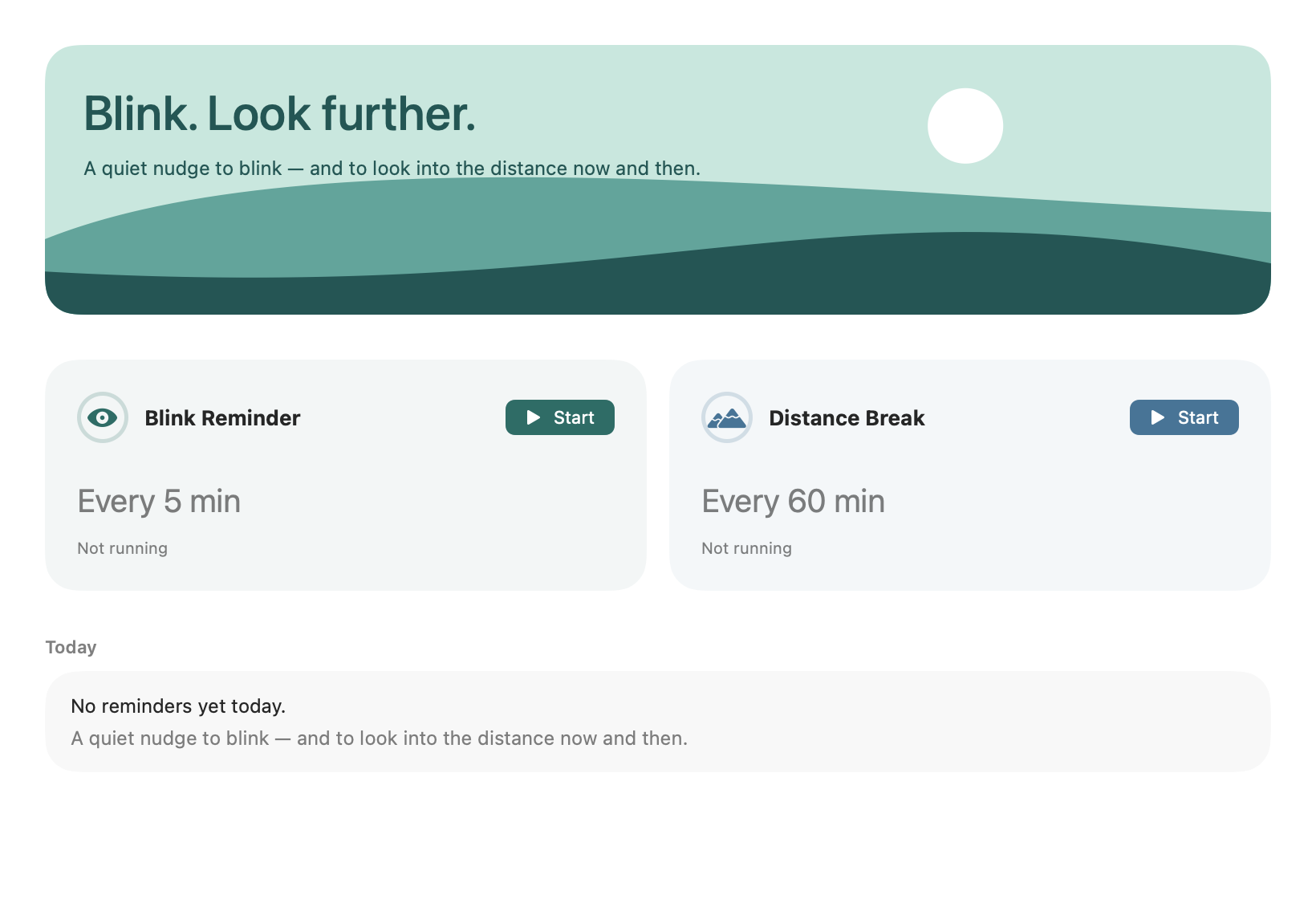
Gentle reminders on Mac, iPhone and Apple Watch. Make room for a little distance between moments of focus.
View on the App StoreNo camera. No BlinkFar account.
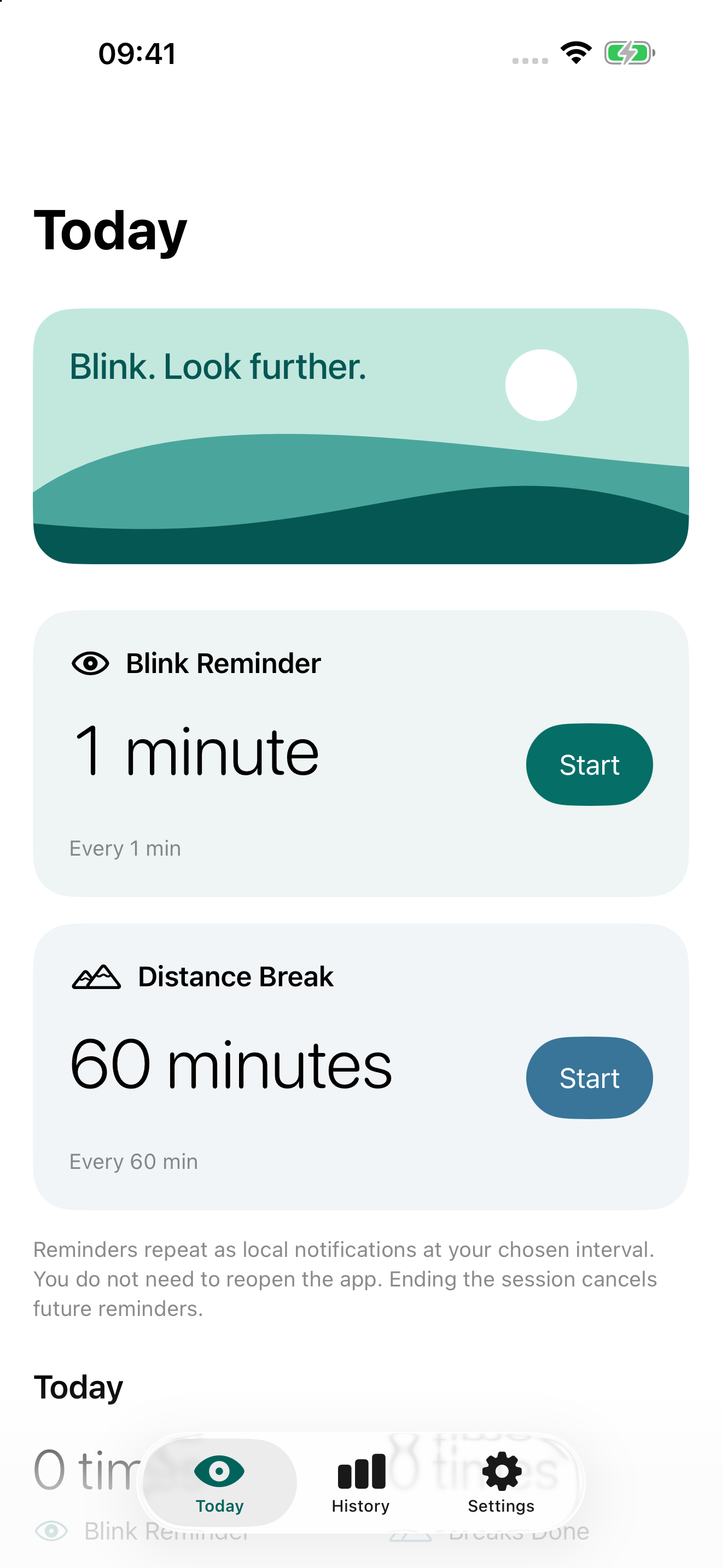
Choose an interval and start blink reminders. Mac shows a small capsule; iPhone and Watch use local notifications.
Distance breaks run separately and can be stopped on their own. On Mac, choose a small cue or a rest panel, at your own pace.
Try the break window on the left and look beyond the screen for a moment. On a phone, it is at the top of the page.
A quiet home in the menu bar, with gentle on-screen cues. Reminders can pause when your Mac locks or sleeps, then resume when you return.
Start and stop each reminder type separately, and see today’s activity. Settings and completed sessions sync through your private iCloud database.
Raise your wrist to start blink reminders. See when the next one is due, and end a session right on your watch.
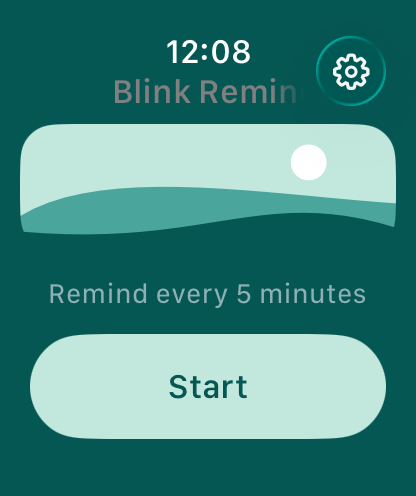
Each device manages its own active sessions; another device cannot stop them remotely. Watch access is shared by its paired iPhone.
Reference price for mainland China (CNY). Check the App Store and in-app purchase screen for your local price and availability. Previous paid customers keep lifetime access.
View on the App StoreWith lifetime access, iPhone and Watch notifications repeat at your chosen interval. During the trial, reminders are scheduled in batches; open the app before the displayed deadline to continue. Ending a session cancels future reminders.
No. BlinkFar does not access the camera. It records reminder events, not actual blinks, and does not provide medical diagnosis or treatment.
Yes. Reminders run locally, including offline. When iCloud is available, it syncs settings and completed sessions.
Check notification permissions, Focus, silent mode and volume. Watch sounds and haptics also follow your system settings. Read the full help guide.